
ForContractors
Become a Fort Certified Contractor. See the money before you start, and get paid when the work is done.
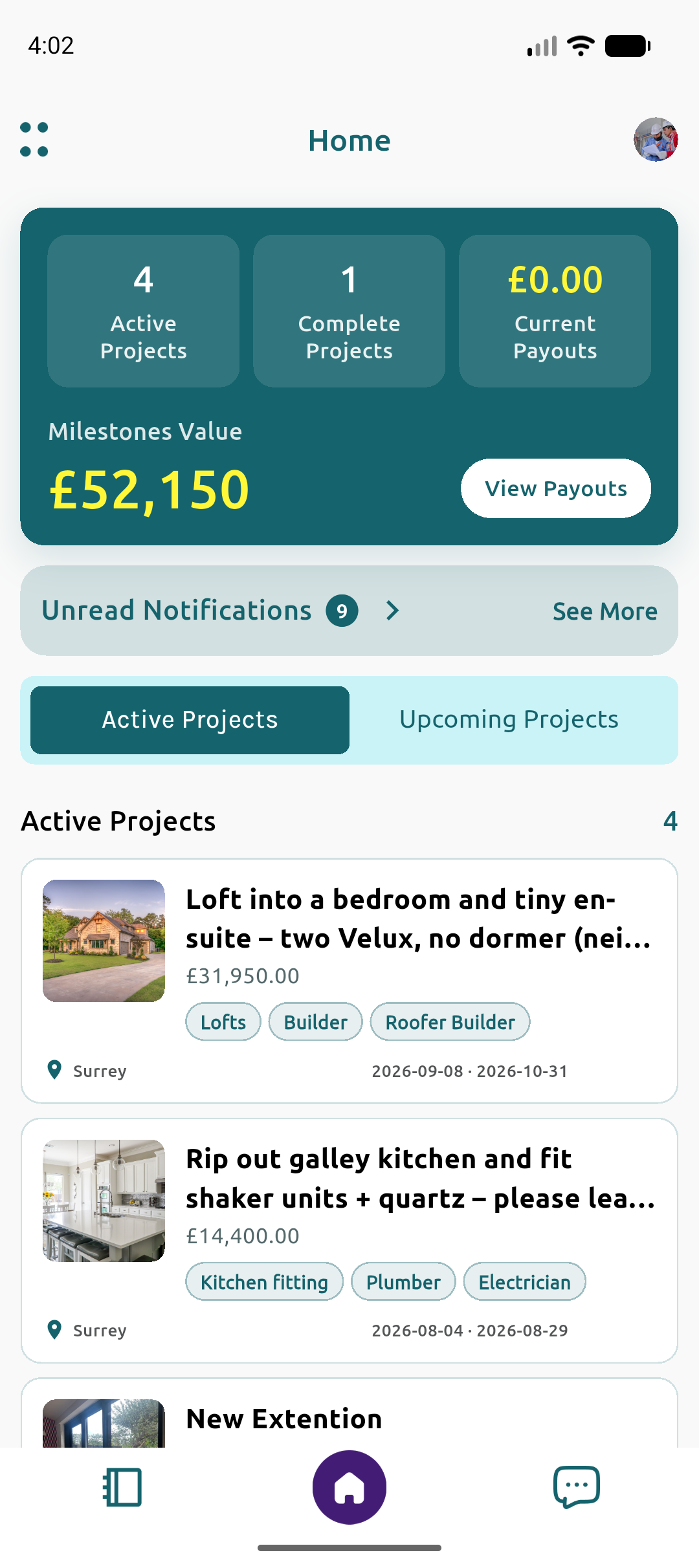

Your Project, in Your Hands
How it works
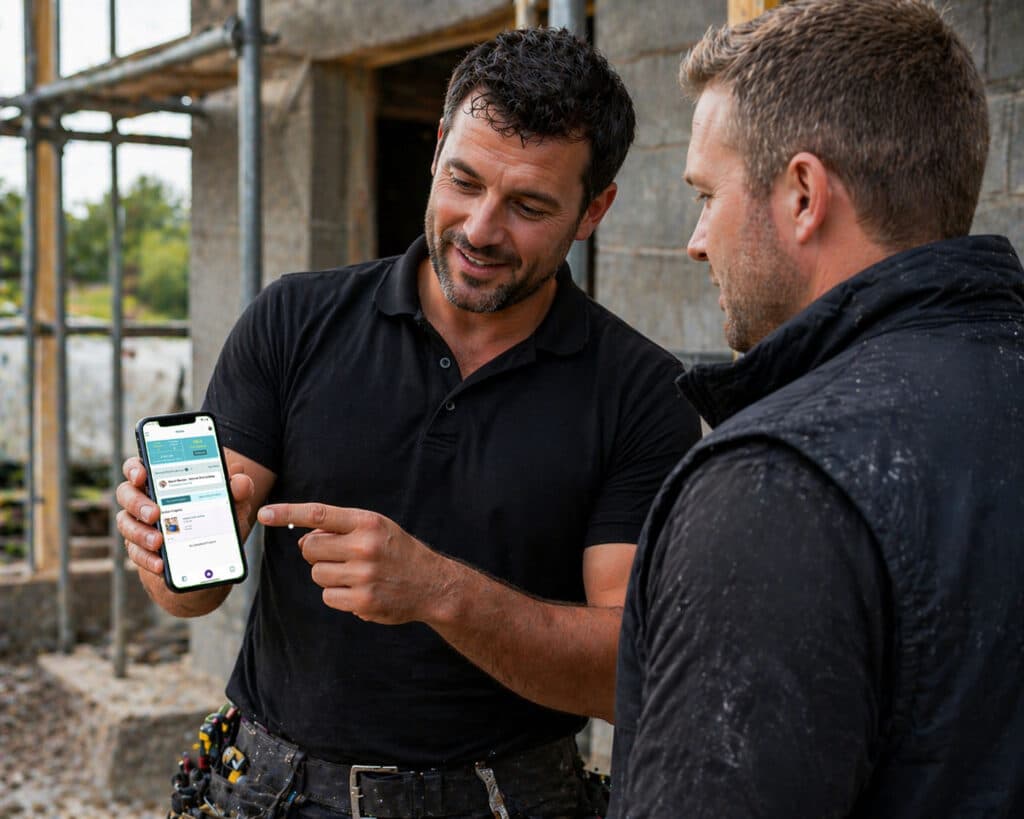
Download & Sign Up to Get Verified.
Download on the App Store & Sign Up to become a Fort Certified Contractor. Submit your verification documents and start work.
Find New & Connect Existing Projects
Find new projects on our job listings page, or connect existing projects to Fort to manage your projects with secure payments.
Work confidently with Secure milestone-based payments
See the money is there before you start, and receive it upon completion.
Complete Milestones & get Paid for Your Work
Mark the milestone as complete, upload photographs, and get paid for your work.
Show off Your Work to Potential Clients
Take pride in your previous projects and build a profile which showcases your quality.

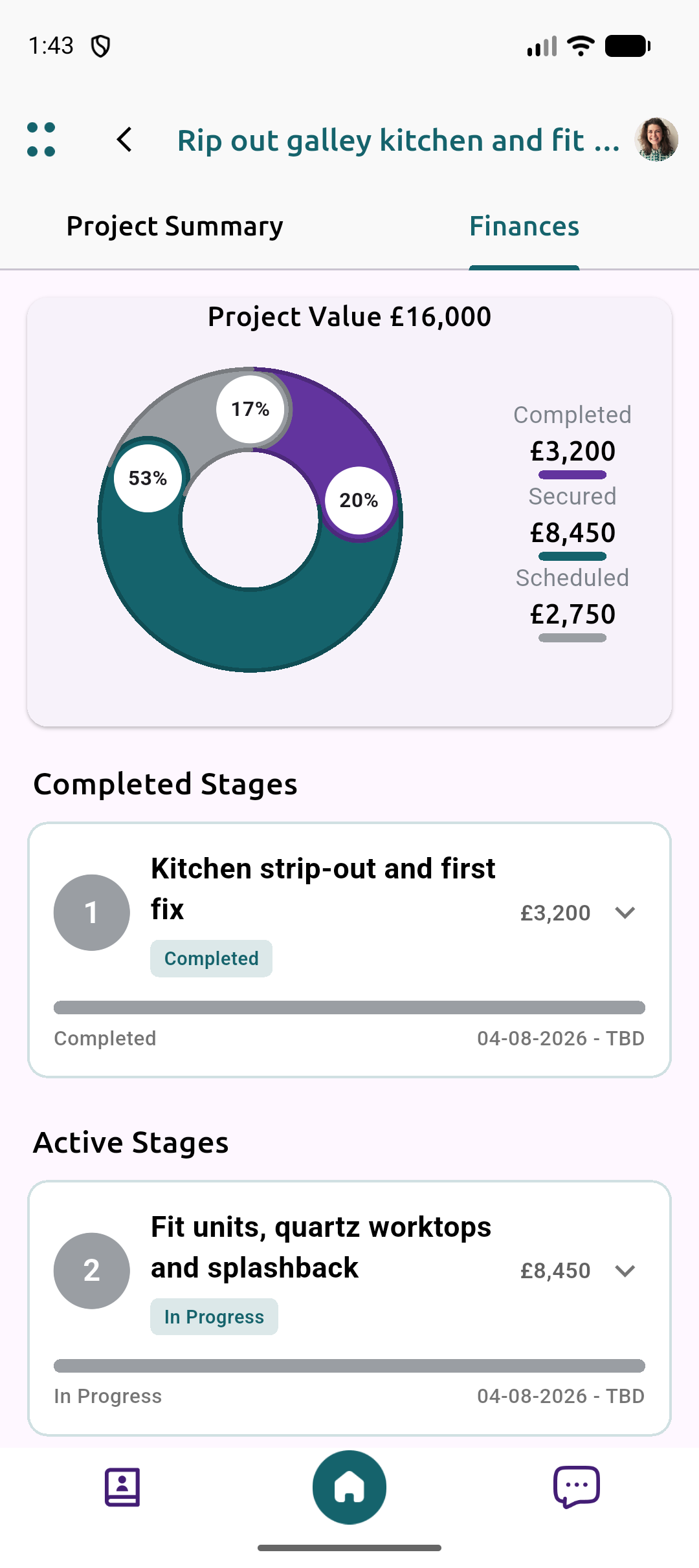
Focus on Completing Projects, Instead of Chasing Payments
Work confidently with Fortified payments throughout the project. Milestone-based payments help remove the distraction of financial stress, knowing project funds are secured before you start a milestone.
Complete the milestone to your high standard, mark the milestone as complete, upload project photographs, and get paid for your work.
Provide your clients with confidence, knowing you can get the job done with a clear payment structure, allowing you to work at your best.

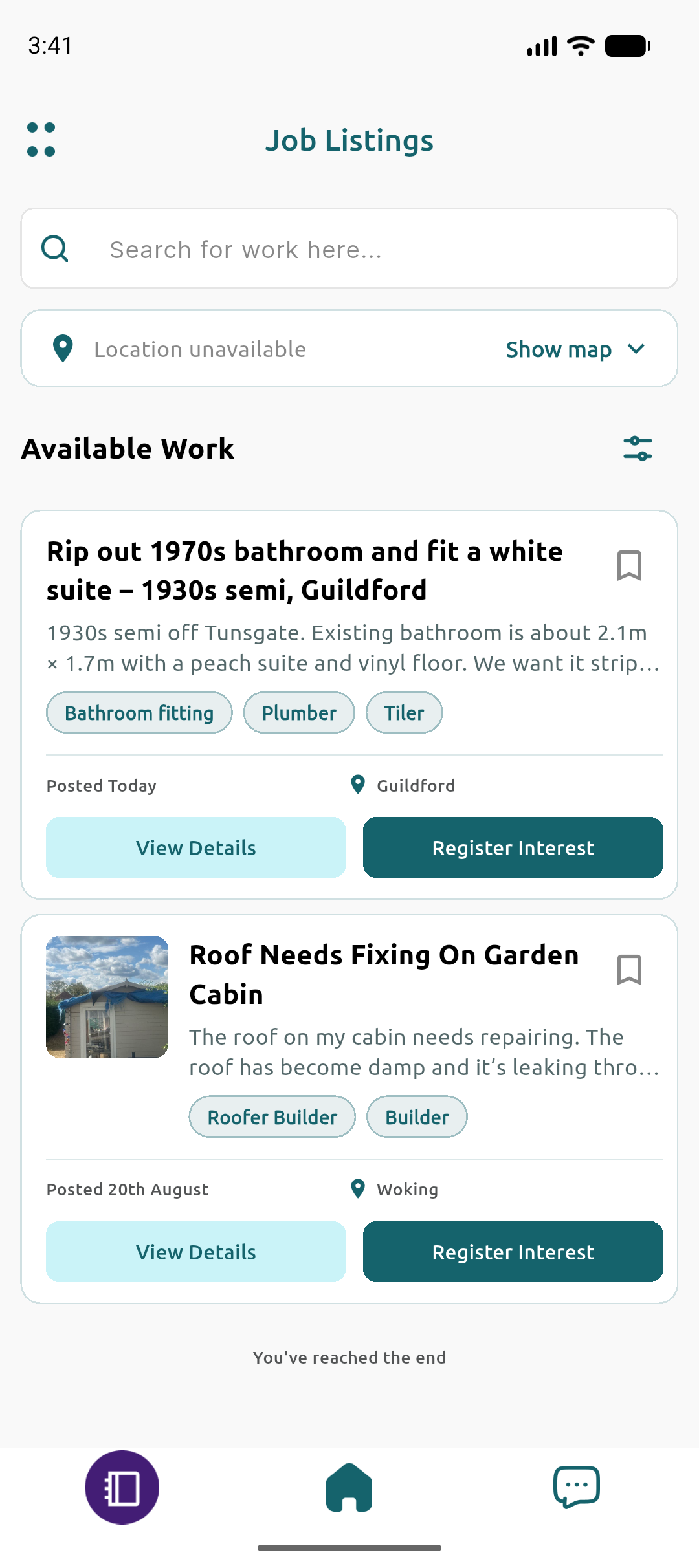
Making Finding New Projects Easier
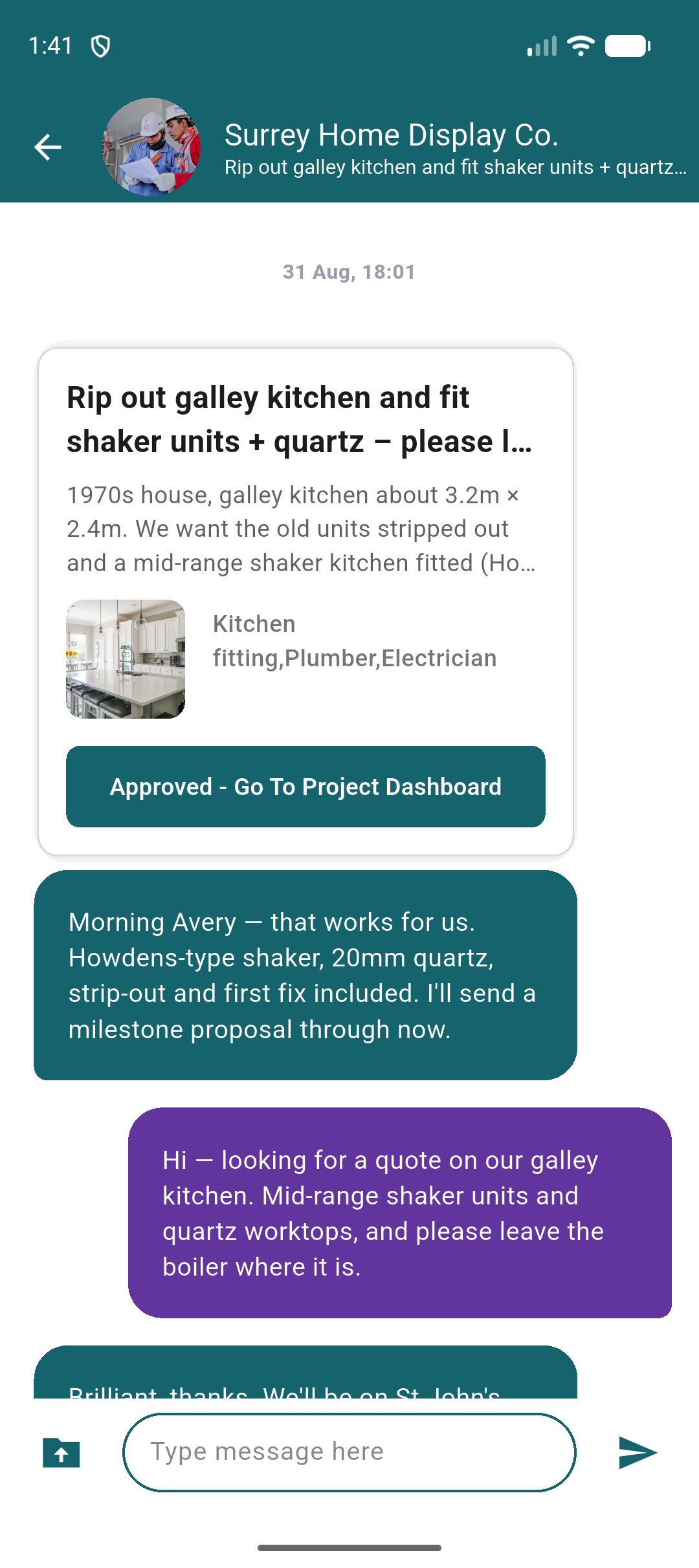
Find the perfect project through our job listings, connect with homeowners, and discuss projects.
You can connect with your existing clients at any stage of any project on Fort by creating a new project and adding your client.

Manage Your Projects, From Anywhere
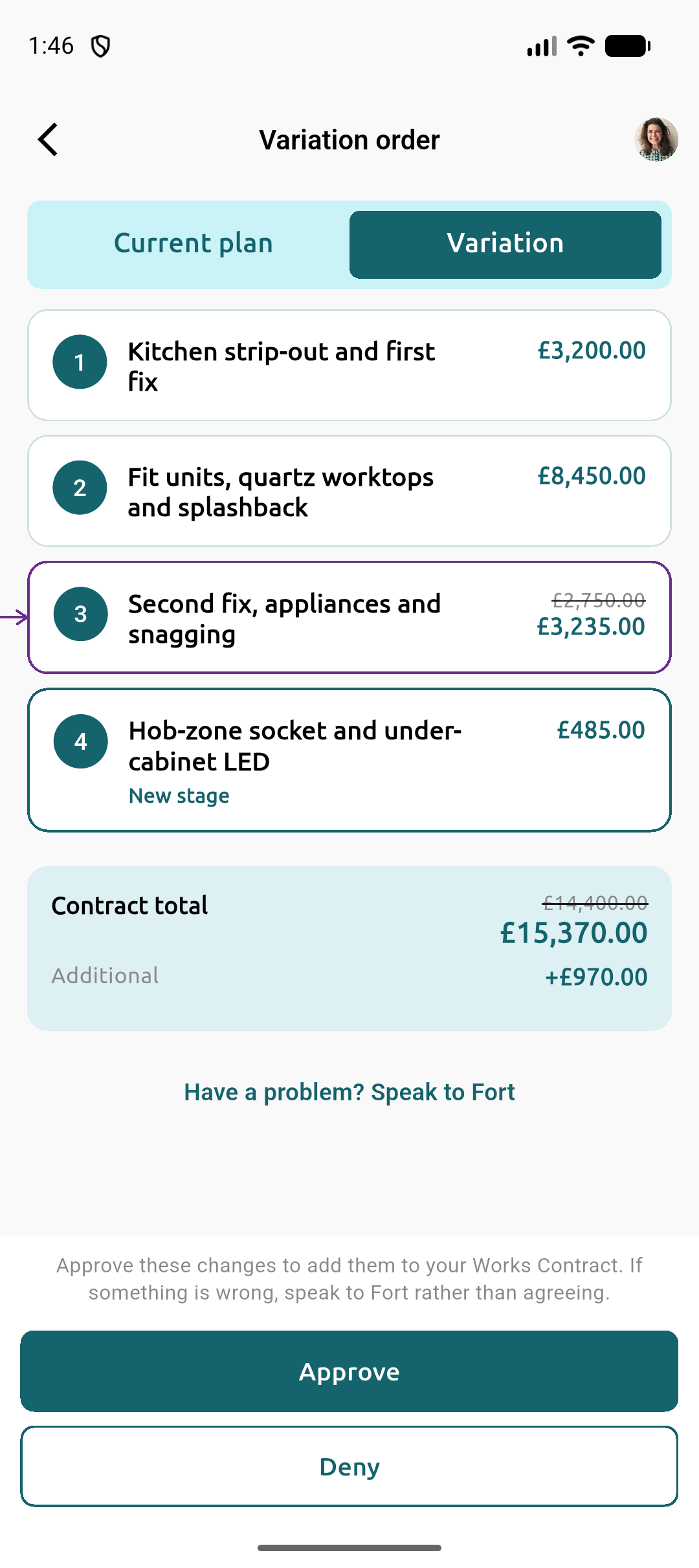
Improve project visibility by setting clear plans and payment structures for your clients
Log any agreed changes to plans to maintain accurate records of project requirements, and notify your clients of project changes.

We want to hear from you
We strive to understand and find solutions to your problems. Please reach out to our friendly team to inform us of any potential issues we can help with, as we aim to look for ways to support your business through fair and equitable systems.
Contractor FAQs
Answers to common questions about Fort's marketplace and milestone payments.
Before you start a stage, you request start and the Homeowner secures payment for it, so you can see the funds are in place. When the work is done, you request release, with completion photos if you wish. Once the Homeowner approves the payout, the money goes through Stripe to your connected bank account.
There is no separate Fort wallet, and you are not chasing invoices for completed stages.
Download the app, sign up as a Contractor (Limited Company or Sole Trader), choose your trades and set up your profile. Verify your email, add your owner details and connect your Stripe account for payouts. Fort then contacts you to collect the documents it needs and reviews your application. Documents are not uploaded in the app.
Fortified status means you have completed Fort's 15-point vetting process, including proof of address, CCJ searches, Companies House records, qualifications and insurance. Messaging Homeowners and sending proposals unlock once your setup is complete and approved.
Browse Job Listings, open a job, tap Register Interest and write a short introduction. Once you confirm, a chat opens with the Homeowner. For an existing customer, create a project in the app and share the invite link.
Once the contract is agreed on Fort, all payments for that contract must be made through Fort.
You build a proposal in Chat by adding stages, each with a price, and optional substages for a cost breakdown. The Homeowner reviews it and confirms to start the job.
A stage or substage can last up to 45 days from when its funds are secured. Under the Terms, each secure payment is capped at £10,000 unless Fort says otherwise, so longer or larger stages are split into substages.
Creating an account and browsing Job Listings is free, and Fort takes no fees until a payment is made.
When a Homeowner pays a milestone, a service fee applies. The rate depends on the total agreed construction fees:
- 5% below £30,000
- 4% from £30,000 to under £100,000
- 3% from £100,000 to under £750,000
- 2% from £750,000 and above
The fee comes out of the milestone amount, so you receive the milestone less the fee. Service fees are generally non-refundable, with exceptions set out in the Terms. An optional discount is available on selected projects (see below).
On selected projects, Fort may offer Contractors an optional Service Fee Discount Promotion. Pay 10% of the projected total service fee upfront for 15% off that fee, 20% for 30% off, or 30% for 50% off. You choose before the proposal is accepted, and the discount applies once the upfront payment is made. You can decline and pay the standard rate. Upfront payments are generally non-refundable, with exceptions set out in the Terms.
Contact Fort through Help & Feedback in the app or the website. Fort keeps a record of the agreed scope, messages, project files, completion photos, variations and milestone payments, which is what a dispute is judged on, so upload evidence as you go.
Where needed, Fort can appoint an independent RICS-chartered surveyor or other expert to assess the work, then decides where the disputed funds go. They can be released to you, returned to the Homeowner or divided. The outcome depends on the evidence and the agreements in place. Fort can ask the party at fault, or both parties equally, to cover the cost of the surveyor or expert.
Use a variation, not a verbal agreement. From Finances, open Variation, change the stages or costs, review the changes and send it to the Homeowner. It is not final until they approve it in Chat.
Approved variations are recorded on the project, giving both sides a record of the agreed extras.
See how to propose a variationVariation orders for UK builders
Are you a homeowner? Learn how Fort protects your project →
Contact us
Support, questions, partnerships, or press - send a message and we'll get back to you. Prefer an account? Sign up.