

ForTradespeople
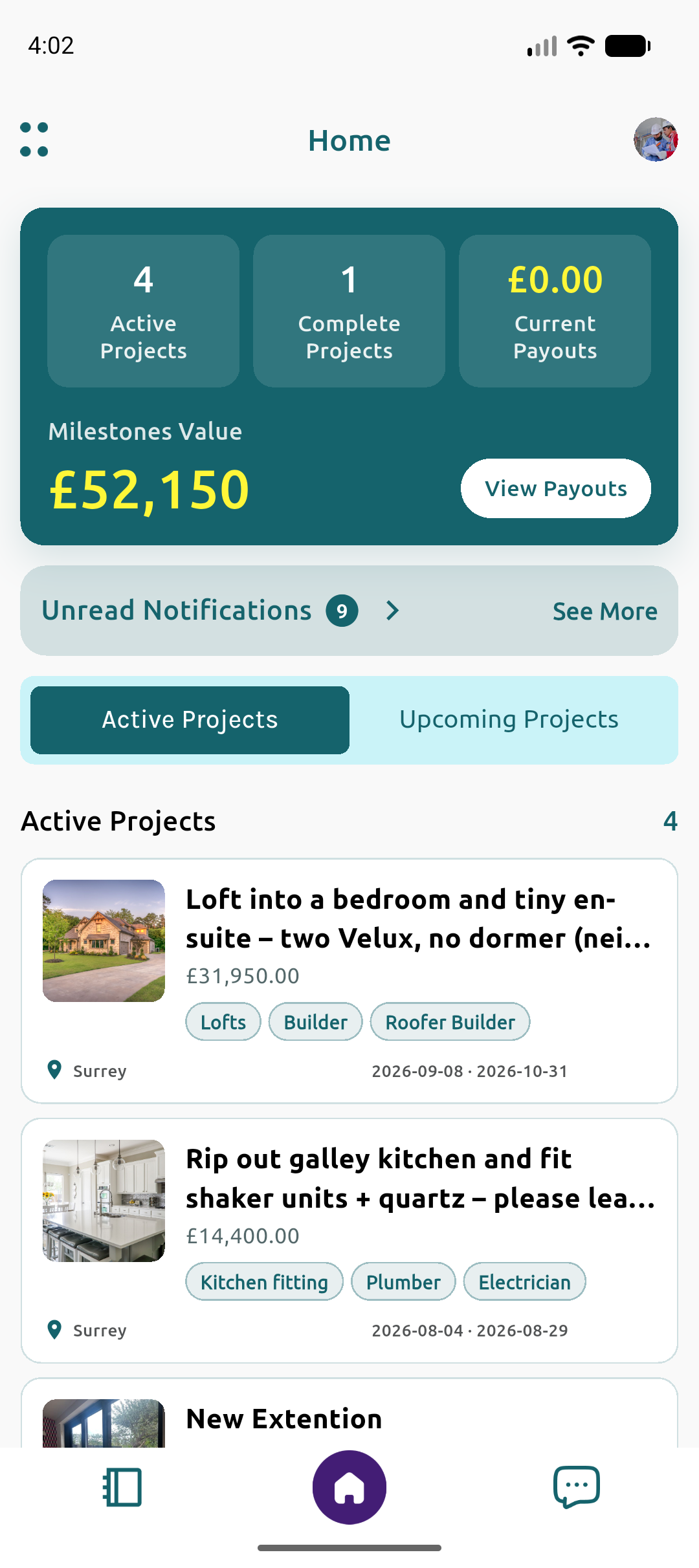
Become a Fort Certified Tradesperson. See the money before you start, and get paid when the work is done.

Your Project, in Your Hands
How it works
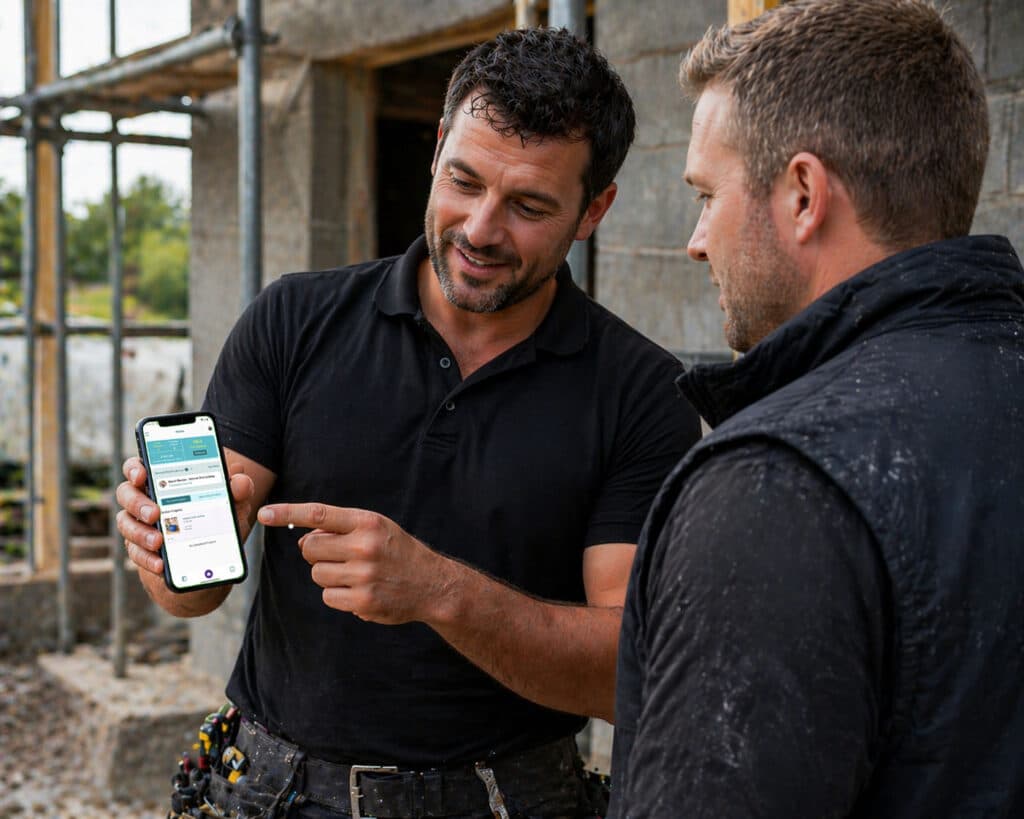
Download & Sign Up to Get Verified.
Download on the App Store & Sign Up to become a Fort Certified Tradesperson. Submit your verification documents and start work.
Find New & Connect Existing Projects
Find new projects on our job listings page, or connect existing projects to Fort to manage your projects with secure payments.
Work confidently with Secure milestone-based payments
See the money is there before you start, and receive it upon completion.
Complete Milestones & get Paid for Your Work
Mark the milestone as complete, upload photographs, and get paid for your work.
Show off Your Work to Potential Clients
Take pride in your previous projects and build a profile which showcases your quality.

Focus on Completing Projects, Instead of Chasing Payments
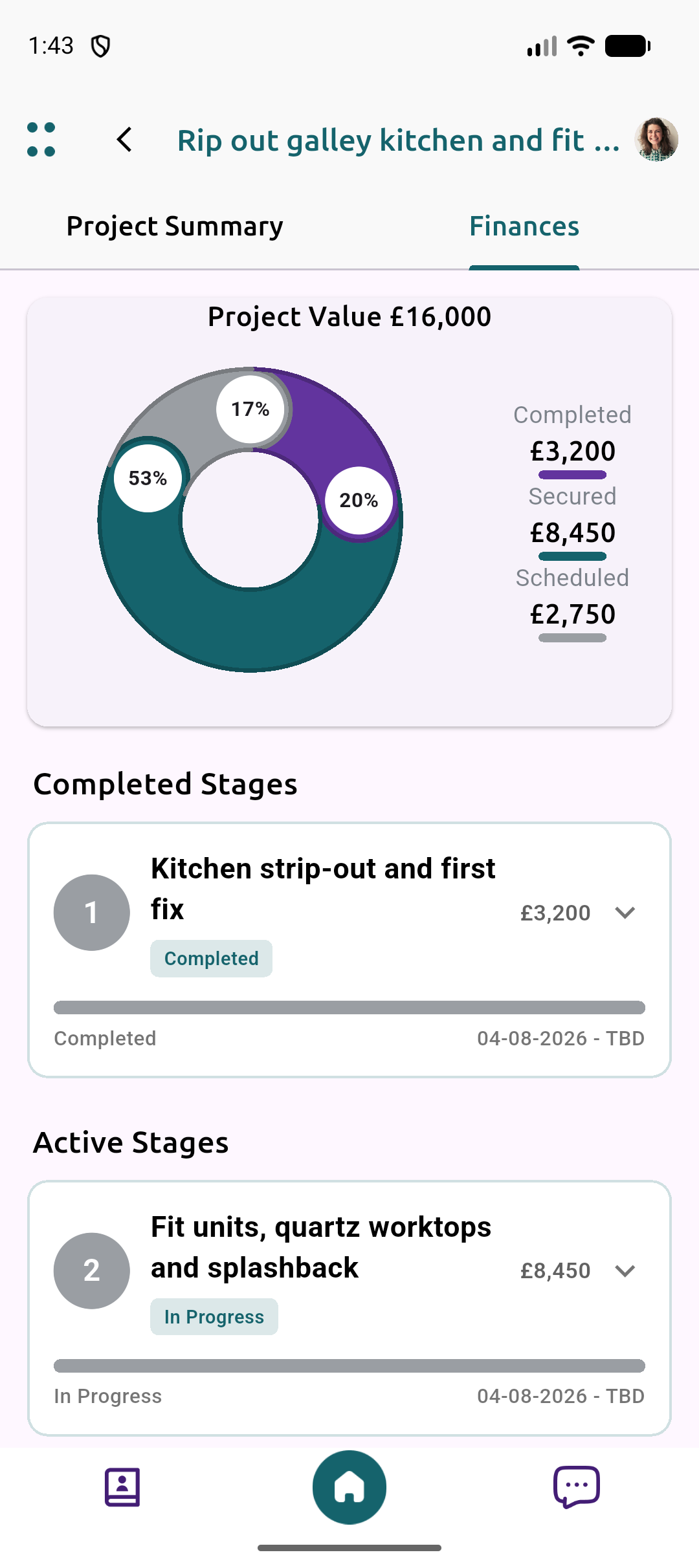
Work confidently with Fortified payments throughout the project. Milestone-based payments help remove the distraction of financial stress, knowing project funds are secured before you start a milestone.
Complete the milestone to your high standard, mark the milestone as complete, upload project photographs, and get paid for your work.
Provide your clients with confidence, knowing you can get the job done with a clear payment structure, allowing you to work at your best.

Making Finding New Projects Easier
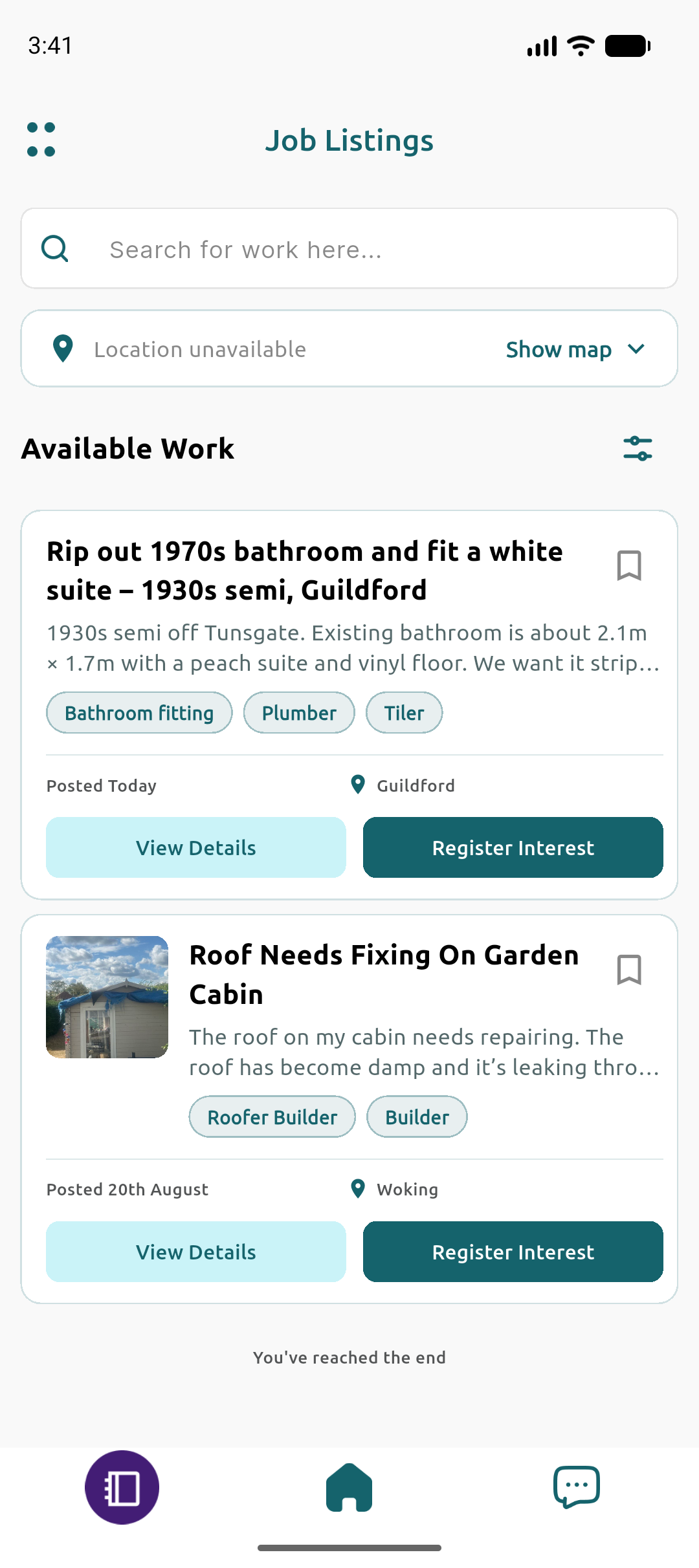
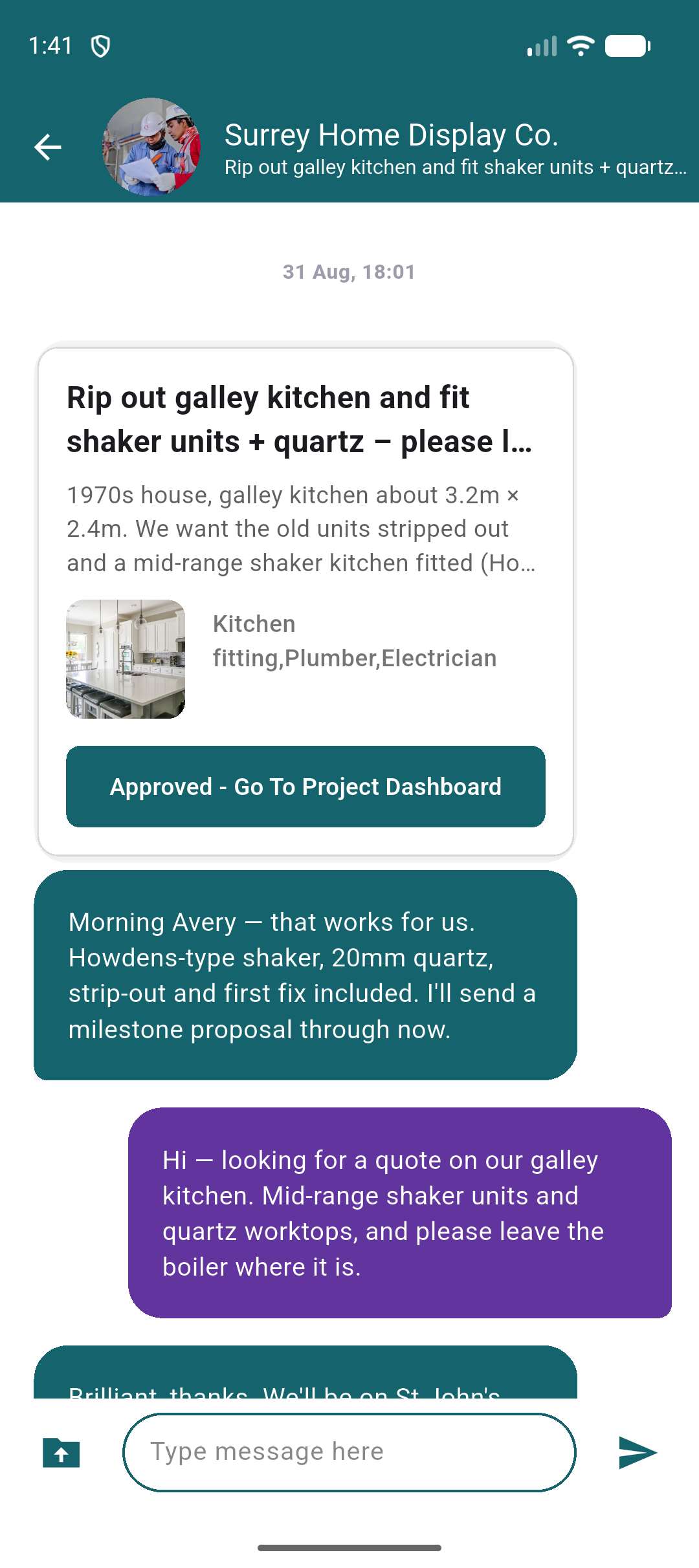
Find the perfect project through our job listings, connect with homeowners, and discuss projects.
You can connect with your existing clients at any stage of any project on Fort by creating a new project and adding your client.

Manage Your Projects, From Anywhere
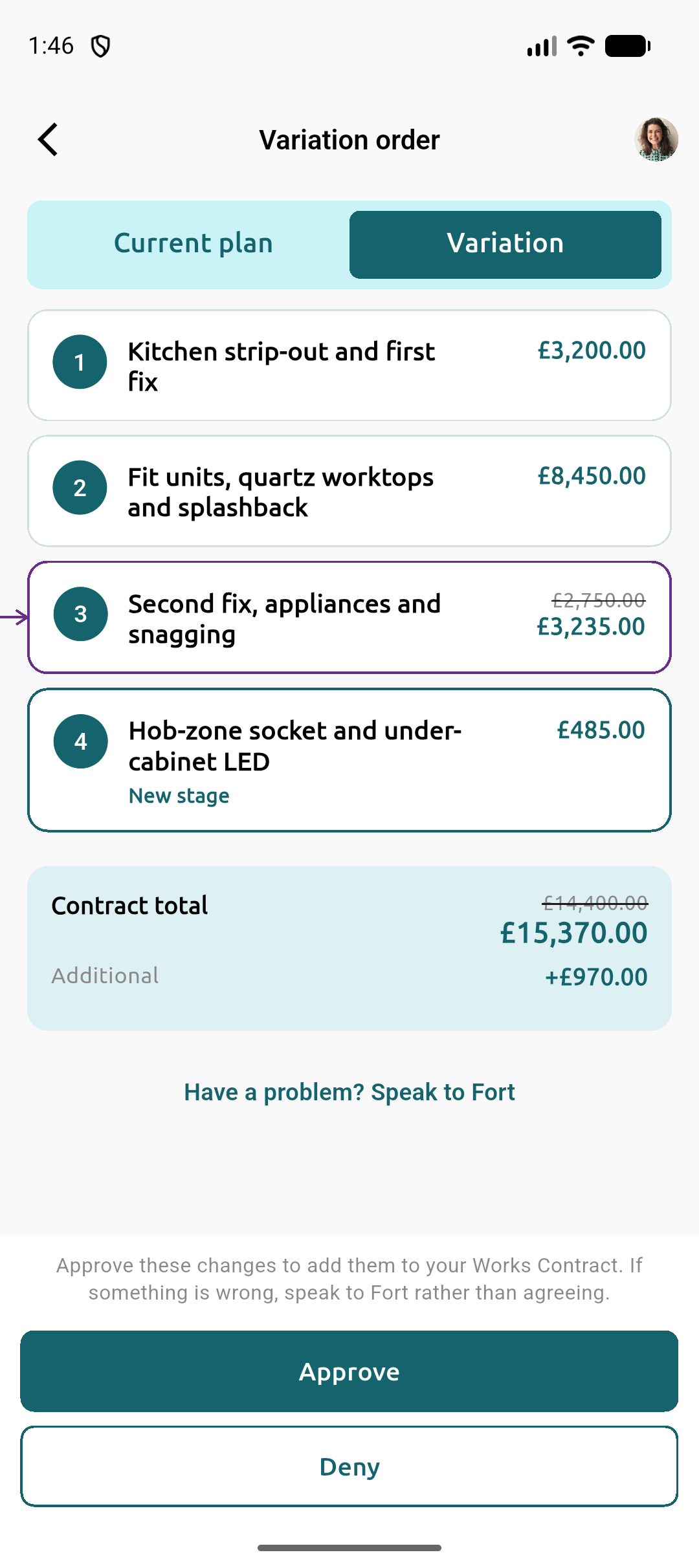
Improve project visibility by setting clear plans and payment structures for your clients and subcontractors
Log any agreed changes to plans to maintain accurate records of project requirements, and notify your clients of project changes.

We want to hear from you
We strive to understand and find solutions to your problems. Please reach out to our friendly team to inform us of any potential issues we can help with, as we aim to look for ways to support your business through fair and equitable systems.
Tradesperson FAQs
Answers to common questions about Fort's marketplace and milestone payments.
- Milestone funds are locked in before you start each stage. When you mark the milestone complete and upload evidence, payment is released according to the agreed structure - so you are not chasing invoices for completed work.
- Once verified as a Fort Certified Tradesperson, you can browse homeowner job listings, connect with clients, and also bring existing projects onto Fort for secure payments and project tools.
- You download the app, sign up, and submit verification documents. After checks are complete you can start work on Fort with secure milestone payments and a profile that showcases your quality.
- Yes. Fort offers a fair, structured dispute process designed to protect your time and reputation rather than leaving disagreements unresolved.
- Fort includes project planning, messaging, document storage, and milestone tracking so you can keep clients and collaborators aligned from anywhere.
How do Fort Certified Tradespeople get paid?
How do I find new projects on Fort?
What does becoming Fort Certified involve?
Does Fort help if a client disputes completed work?
Can I manage projects and subcontractors in the app?
Are you a homeowner? Learn how Fort protects your project →
Contact us
Support, questions, partnerships, or press - send a message and we'll get back to you. Prefer an account? Sign up.